
Moderation facilitates the editing and review of content before publishing.
This guide requires a user with Site Editor role. If you don't have this capability, you will NOT be able to make the necessary changes.Publishing Workflow Overview
Every content created or modified by a user goes through the following process:
- A Restricted Editor modifies a piece of content:
- Saves as Draft
- Click on View or the content tab
- Go to Edit your page
- Once all changes are ready for publishing, save as In Review
- A Site Editor reviews the content:
- If any changes are needed, re-save as Draft for the Editor to modify
- If approved, the site editor saves as Published
Learn more about the different moderation states available →
Review and Publishing Process
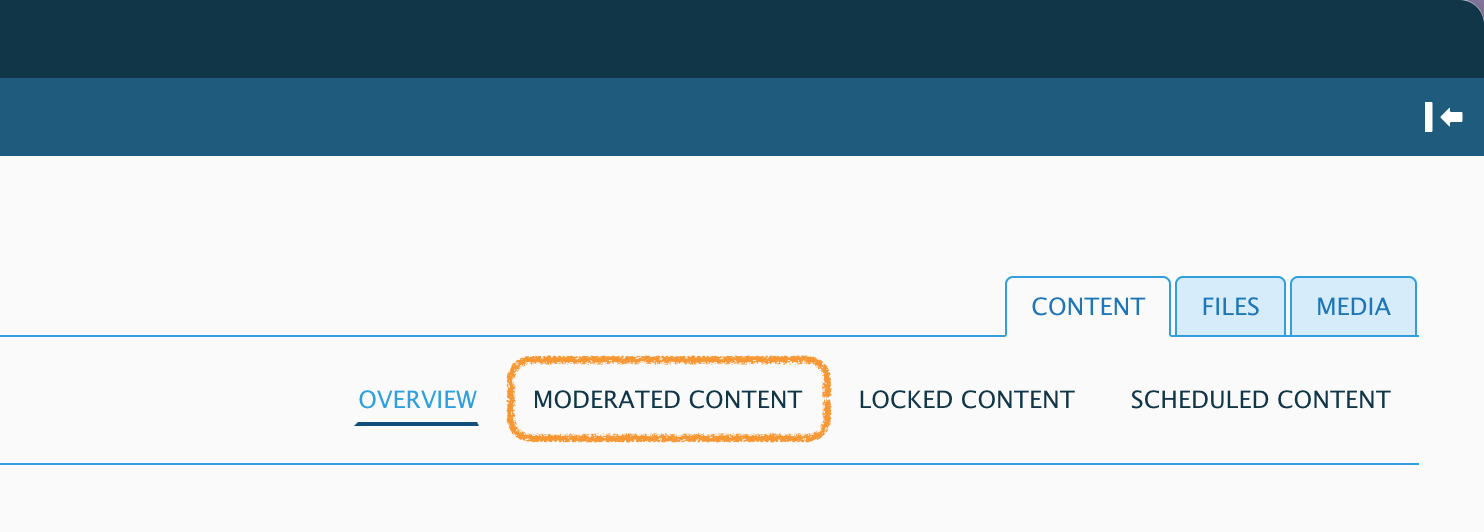
- Go to the Content › Moderated Content section:
- This tab displays content that is In Review.
- Feel free to use the Filters to refine your search as necessary.
- Reminder: only content in the In Review workflow state has been submitted for review.
- Review the Content
- A revision is created every time a user saves a content and so all revisions will be stored with their respective Status, i.e., draft, in review, published, etc. This allows us to keep different versions of a page so that users can save a draft without affecting live content, compare different revisions, or even revert to a previous revision.
- To learn about how to view and compare revisions, visit our Content Revisions article →
- If content requires adjustments before publishing
- Make a note in the Revision Log about the changes needed, update the workflow state to Draft, and save the content again as a Draft.
- Note that Drupal will NOT inform the author user, so you will need to communicate this separately.

- Place in the Menu if requested (usually for new pages)
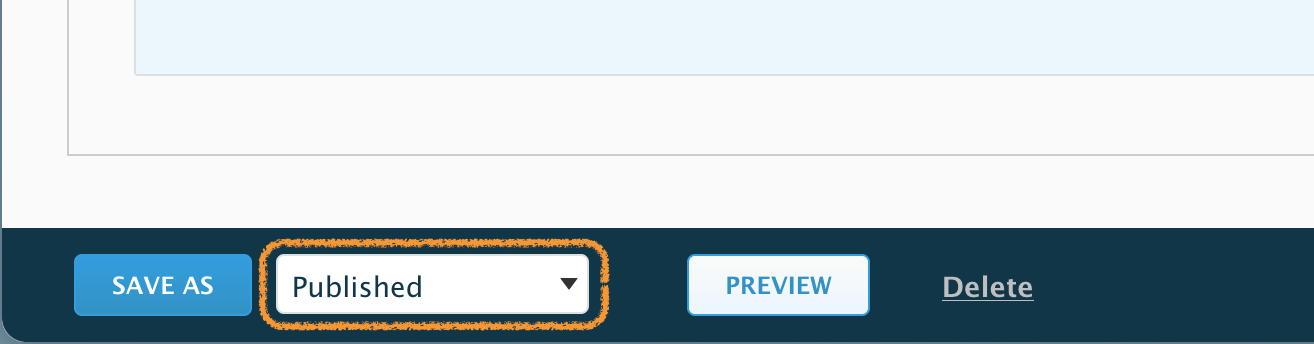
Users can request a Page be placed in the Menu or Navigation of the site. This is done from the sidebar, using the Menu settings. To learn more about it visit our article on Placing content in the Navigation Menu → - If appropriate, publish the content by changing the state drop down to Published and saving.
- The content is now live!
Working with Groups? Please use the Content Moderation in Groups article.