
Differences between creating a page in Groups vs Flagship uses
When working on a group site, it is best to save content immediately. Not only is saving early and often a good practice (even for non-group content), but it also ensures that content and any images uploaded during editing are associated with the correct group site.
- See more about Page Creation
Updating Group Content Titles and URLs
Updating group content titles is essentially the same as on flagship content.
But updating the URL is different and a bit odd.
- Update the titles as needed.
Pay special attention to the SEO title since it determines the page path - Update the URL
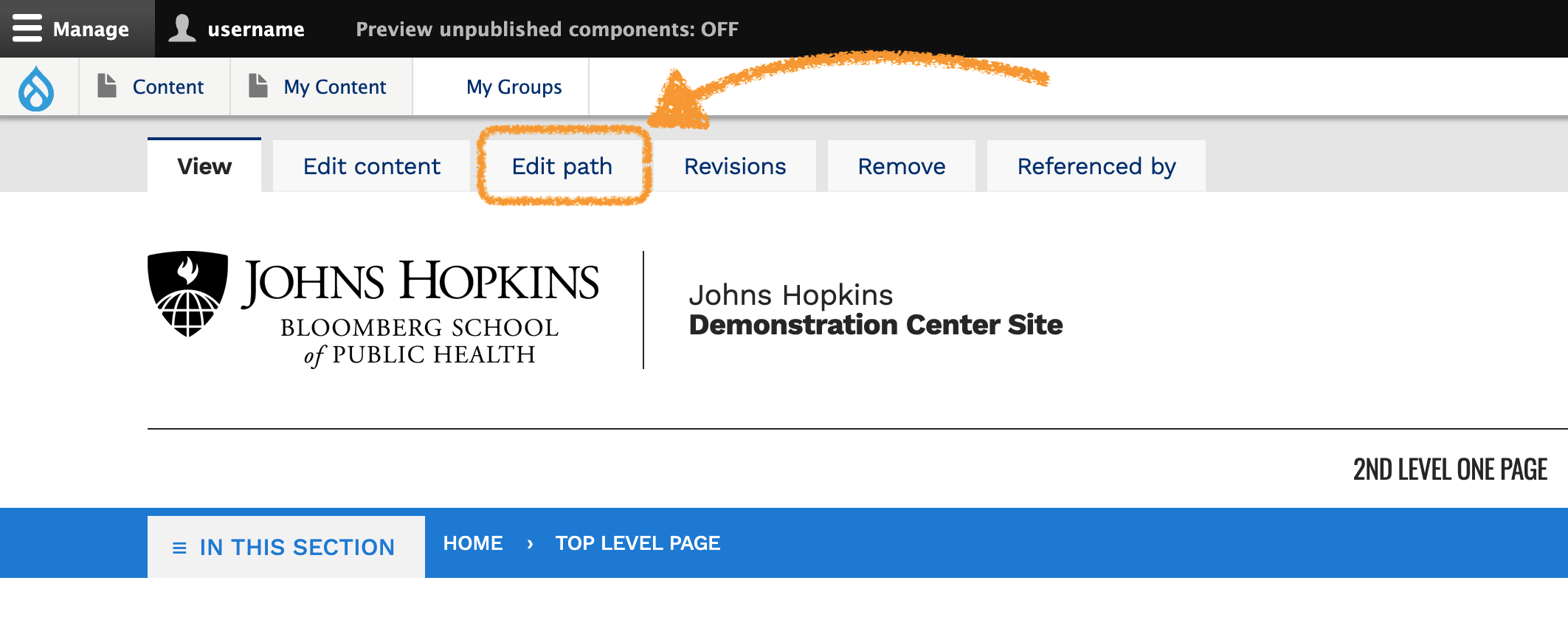
- While viewing the content, click the "Edit Path" tab
- This brings up a mostly blank page with only a "Save" option.
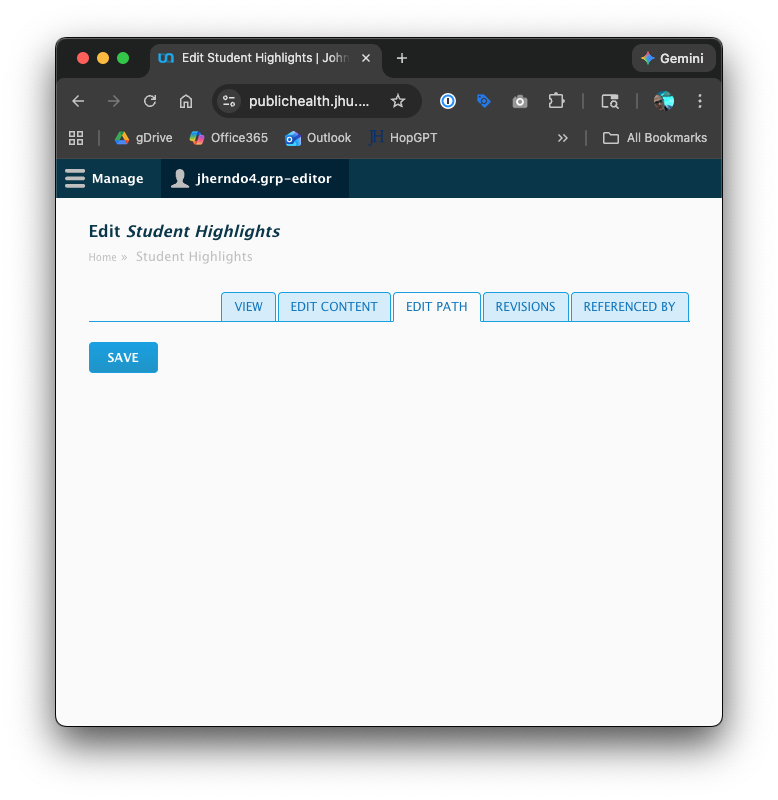
- The page may look blank, but saving will update the URL.
- While viewing the content, click the "Edit Path" tab
Alternatively, clicking "Edit relation: from the dropdown indicated below will bring up the same option