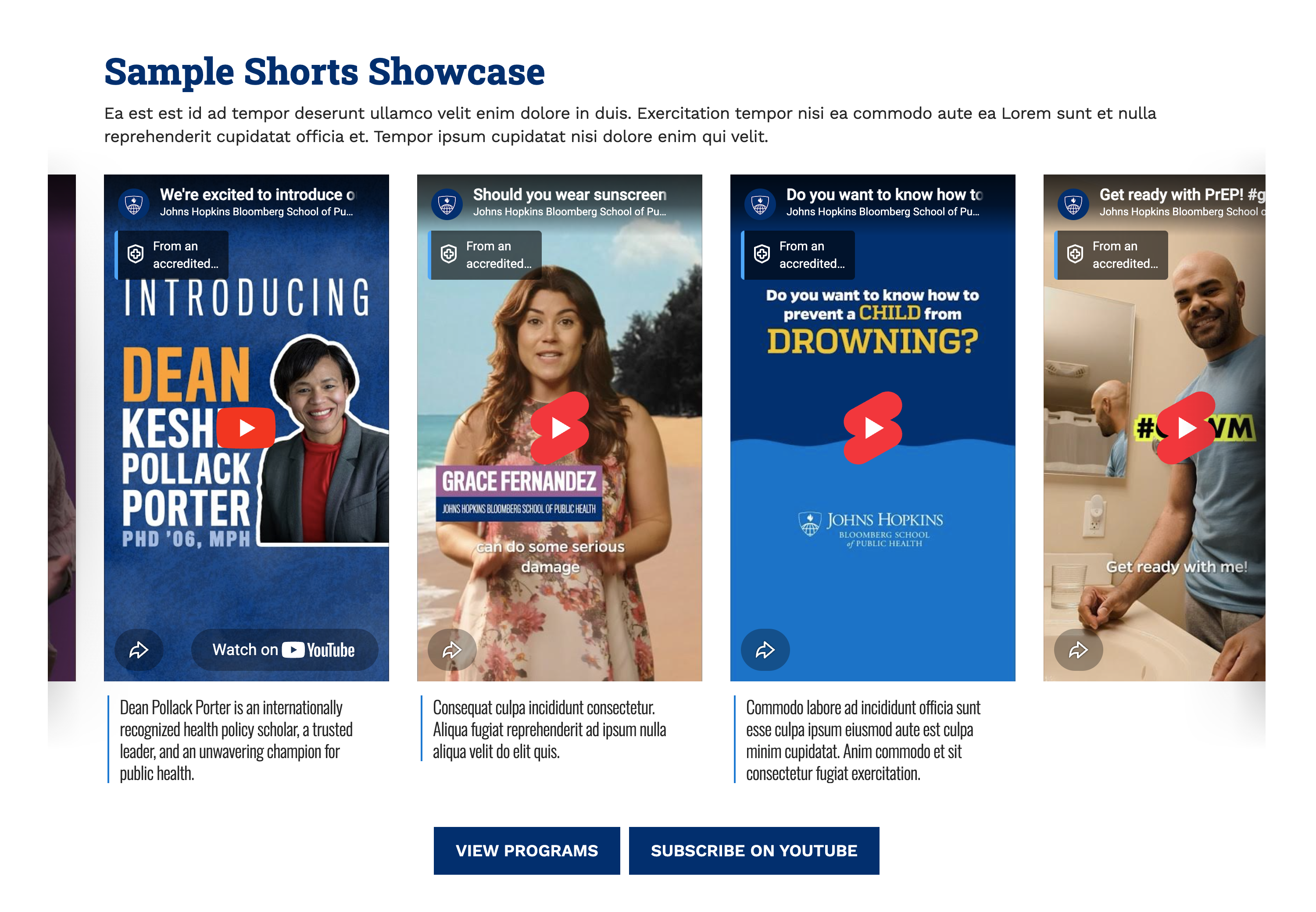
The Shorts Showcase component allows you to feature short videos on your pages. It is optimized for mobile-friendly vertical video formats, and it is flexible enough to handle other standard video dimensions as well.
This component is available in Pages as well as Department landing pages, and can also be nested in the Rich Content Container component.
Features & Best Practices
- Vertical videos preferred: For the best visual experience, aim for vertical videos (such as YouTube Shorts).
- If you use a standard horizontal video, it will automatically be scaled down to fit the width of a vertical container.
- Supported video platforms: You can embed:
- YouTube Shorts
- Standard YouTube videos
- and Vimeo videos
- Video captions: You can add captions to your videos. We recommend keeping captions brief (~120 char.) to prevent creating long, columns of text.
- Standard fields available: As with many other components, the Shorts Showcase includes standard features to help you introduce and customize the content around your videos: eyebrow, title, description, links, design, etc.
How To
To begin working with the Shorts Showcase component, first Create or Edit the page where you want to add it:
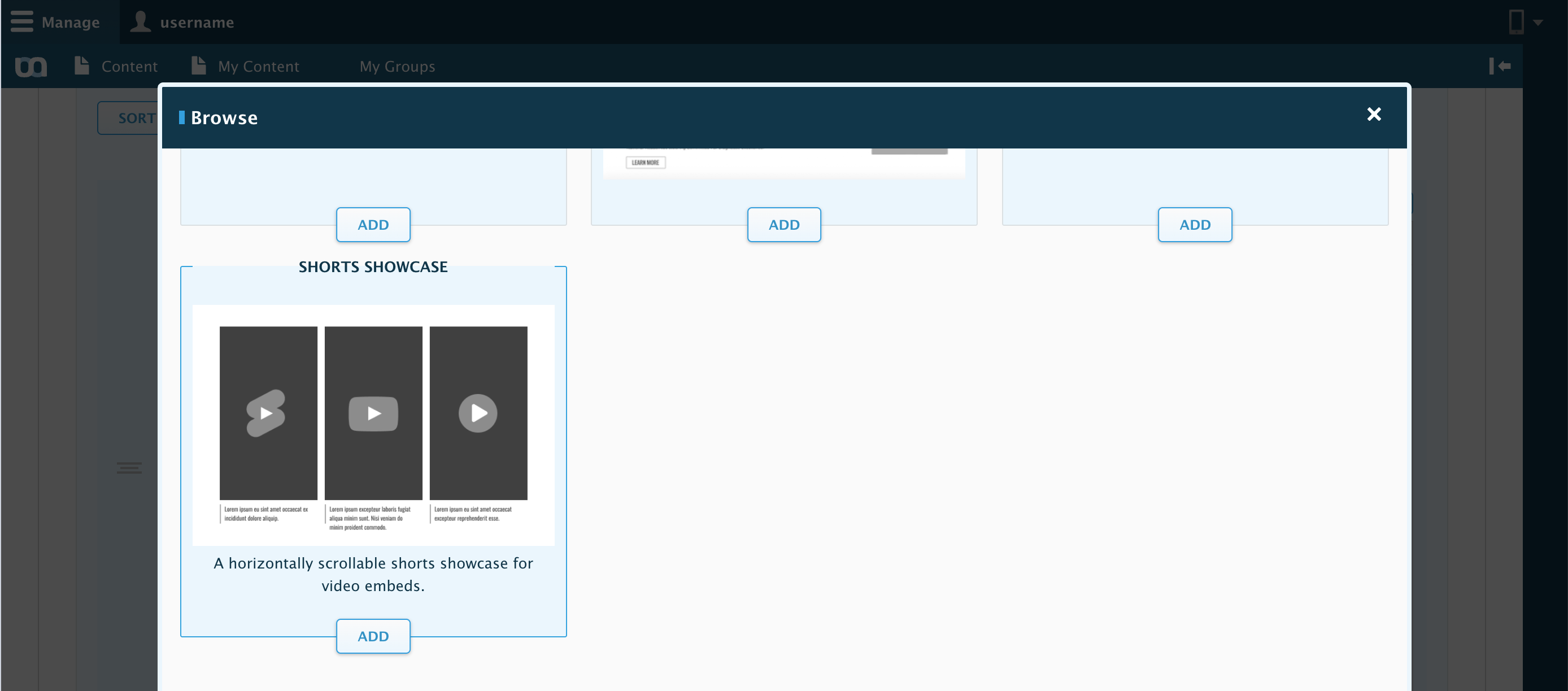
- In the Main Content Area (or within a Rich Content Container), select Add Component > Shorts Showcase
- Add your videos in the Media tab > Select Videoto search or add your videos.
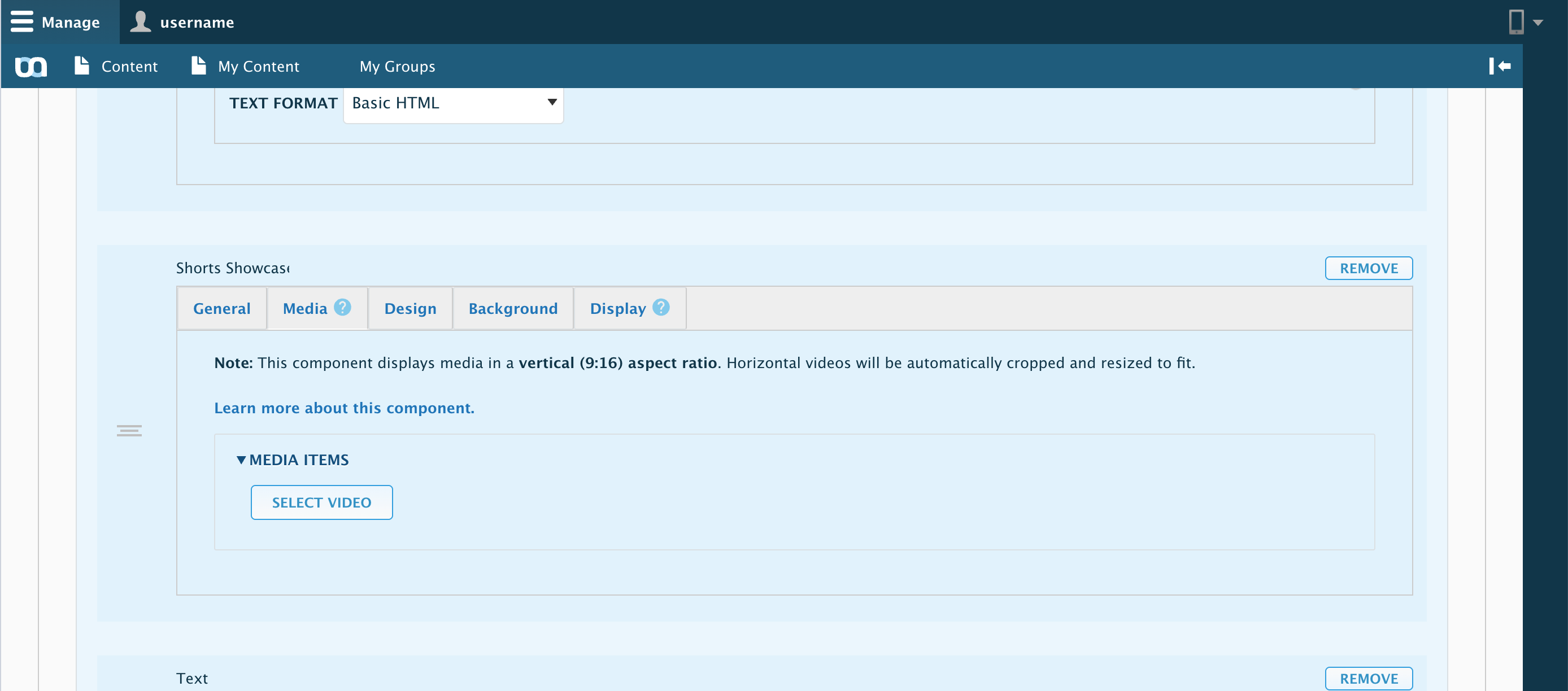
- If you are unfamiliar with how to load or embed a video, please refer to our guide on How to Add Media.
- Optionally, fill in any General Information (such as Eyebrow, Title, or Description) if you want to introduce the showcase
- Finally, Preview or save your work.